
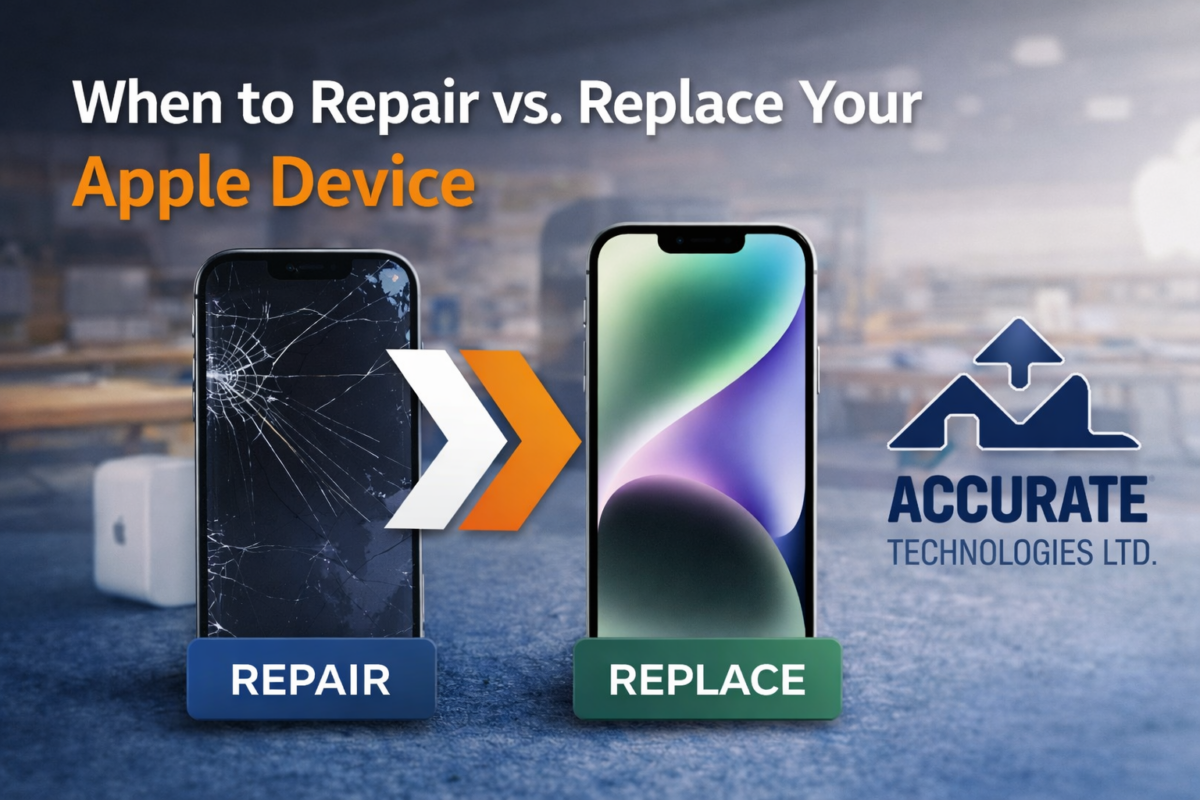
When to Repair vs. Replace Your Apple Device
Apple devices are built for performance, reliability, and longevity. Whether it’s your iPhone, iPad, MacBook, or Apple Watch, these devices often become essential to your daily workflow. But over time, even the most dependable technology can face issues, such as cracked screens, battery wear, charging problems, or performance slowdowns.
The real question becomes: Should you repair it, or is it time to replace it?
Making the right decision can save you hundreds of dollars and extend the lifespan of your device. Let’s break it down step by step so you can make the smartest choice.
Understanding the True Cost of Replacement
Buying a new Apple device is exciting faster processor, improved camera, and stronger battery. But replacement comes with more than just the sticker price.
Upfront Cost
New Apple devices can be a significant investment. Depending on the model, the cost can easily reach into the thousands.
Hidden Costs
- Data transfer and setup time
- New accessories (cases, chargers, adapters)
- App reinstallation and configuration
- Possible compatibility issues with older peripherals
Environmental Impact
Replacing instead of repairing contributes to electronic waste. Extending your device’s life is often the more sustainable option.
Before upgrading, it’s worth asking: Is your current device truly beyond repair?
When Repair Is the Smarter Choice
In many situations, repair makes far more financial and practical sense.
Minor Physical Damage
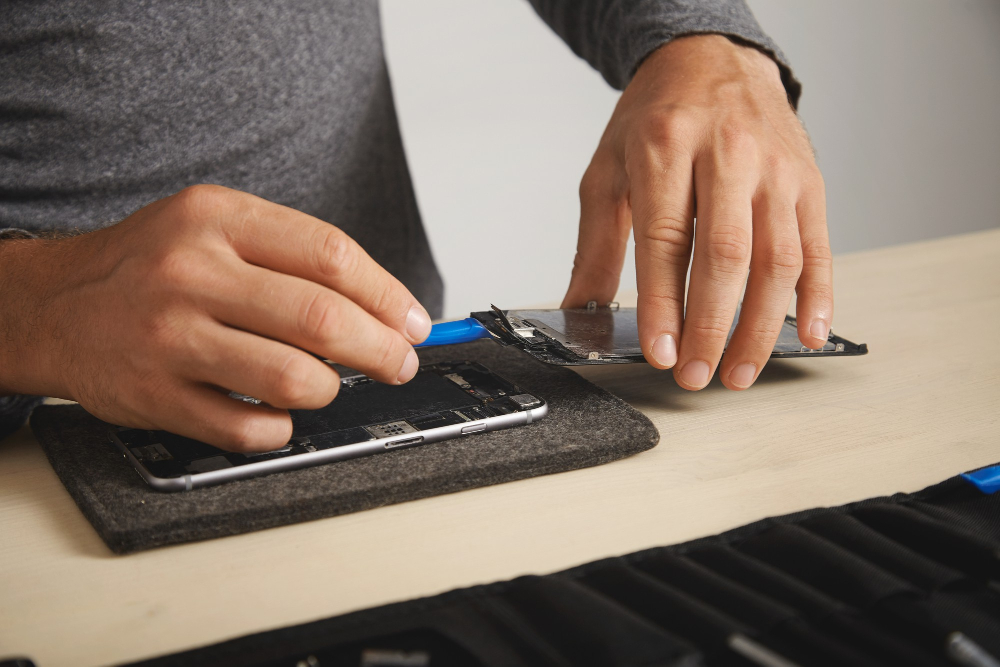
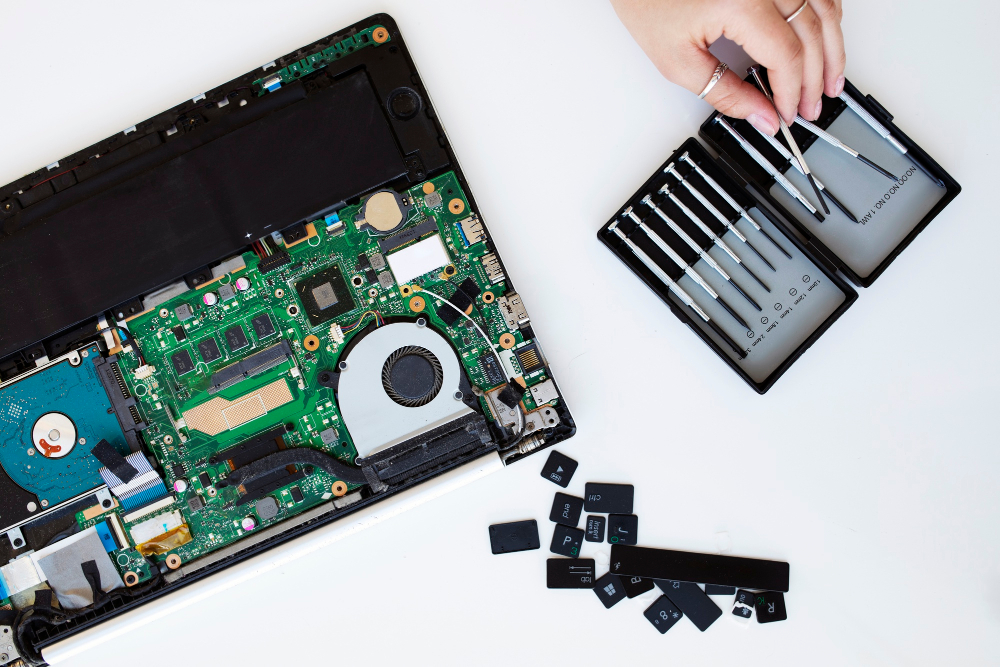
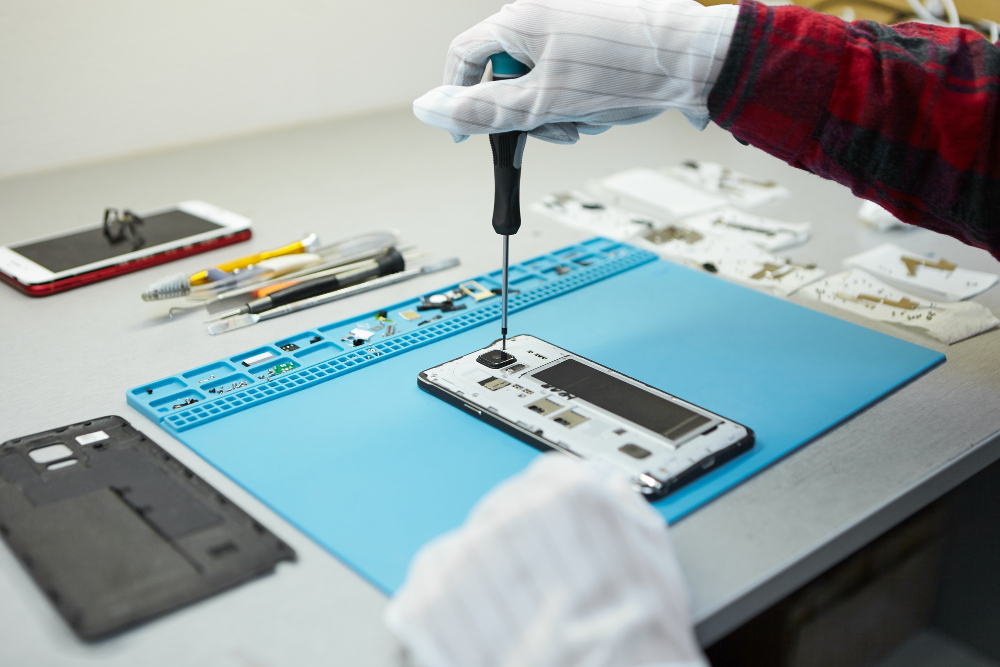
Cracked screens, damaged buttons, or cosmetic wear might look serious, but they’re often straightforward repairs. If the internal system is functioning properly, replacing a display or button can restore full usability.
Common repairable issues:
These are typically isolated component replacements, not full-device failures.
Battery Performance Issues
Battery wear is normal over time. Signs include:
- Rapid battery drain
- Unexpected shutdowns
- Slow charging
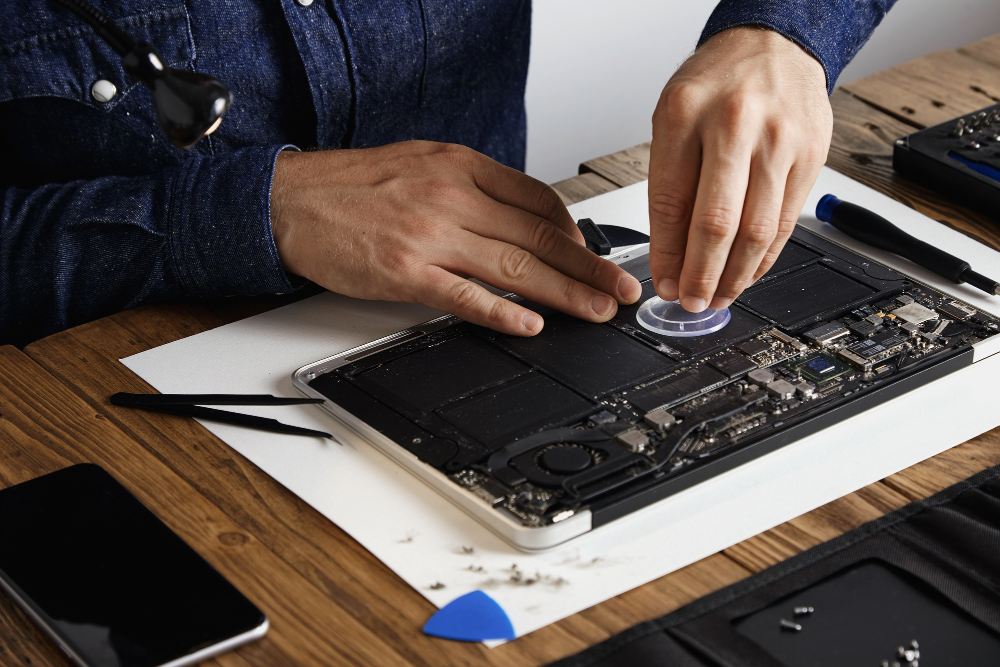
A battery replacement can significantly improve performance and extend device lifespan by years.
Professional service providers like Accurate Technologies use genuine parts and Apple-aligned procedures to ensure your battery replacement is safe, reliable, and long-lasting.
Charging & Port Problems
Loose charging ports or inconsistent charging are often caused by debris, connector wear, or minor component faults. These are usually repairable without replacing the entire device.
Your Device Still Meets Your Needs
If your device handles your daily tasks, calls, emails, browsing, and business apps smoothly, then repair is usually the logical choice. There’s no need to replace a device that still performs well once a specific issue is fixed.
When It’s Better to Replace Your Apple Device
Repair isn’t always the right answer. Sometimes replacement delivers better long-term value.
Multiple System Failures
If your device has:
- Failing battery
- Screen malfunction
- Camera problems
- Performance lag
Repairing multiple components can become expensive. In such cases, upgrading might be more practical.
Major Internal Damage
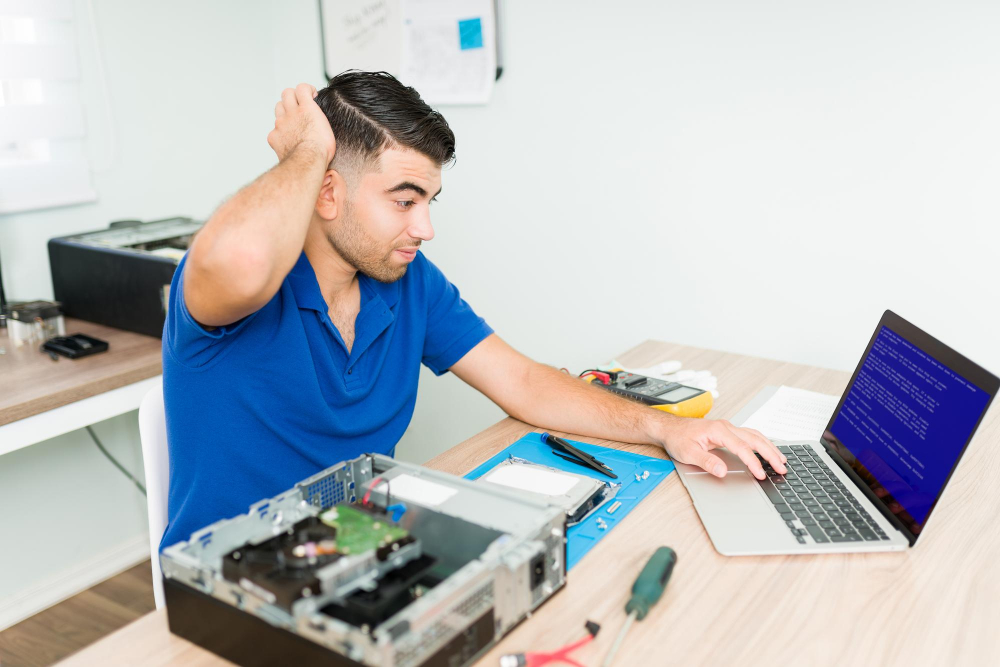
Severe liquid damage or logic board failure can be complex and costly to fix. If repair estimates approach the cost of a new device, replacement may make more sense.
Outdated Hardware & Software Support
Older models eventually stop receiving software updates. Without updates:
- Security risks increase
- App compatibility declines
- Performance slows
If your device is no longer supported, replacement could be the smarter long-term move.
Repair Cost Is Close to Replacement Cost
A simple rule many technicians use:
If repair costs exceed 50% of the replacement value, it may be time to upgrade.
A professional diagnostic helps you evaluate this clearly instead of guessing.
Repair vs Replace: Cost Comparison Example
| Scenario | Repair Cost | Replacement Cost | Smart Choice |
| Screen crack (newer model) | Low–Moderate | High | Repair |
| Battery wear | Low | High | Repair |
| Severe liquid damage | High | High | Compare & Evaluate |
| Multiple hardware failures | High | High | Replace |
Getting a transparent estimate helps you make a confident decision.
Why Professional Diagnosis Matters
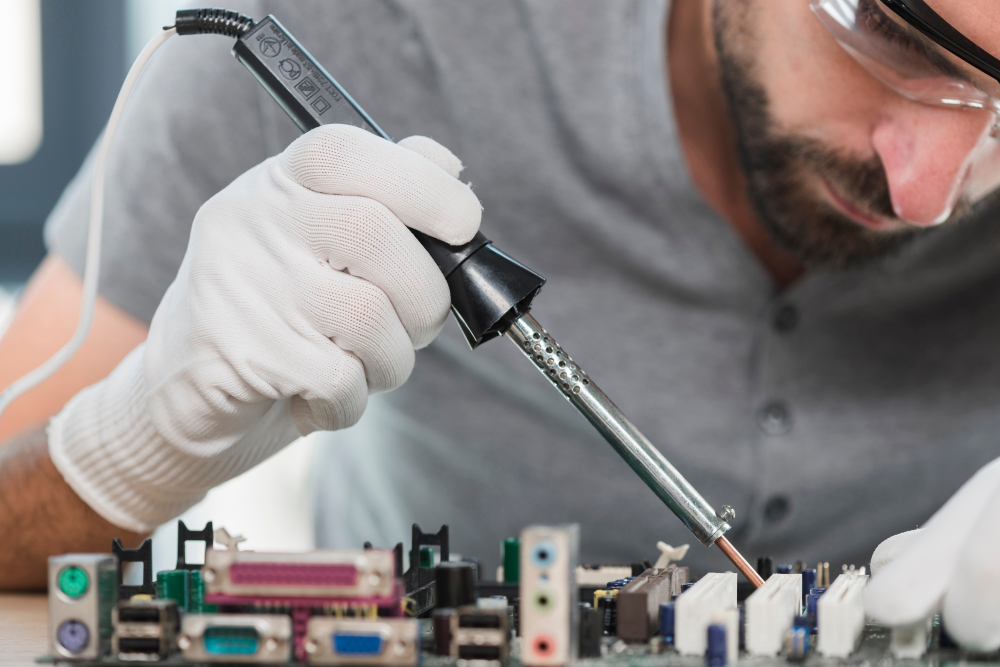
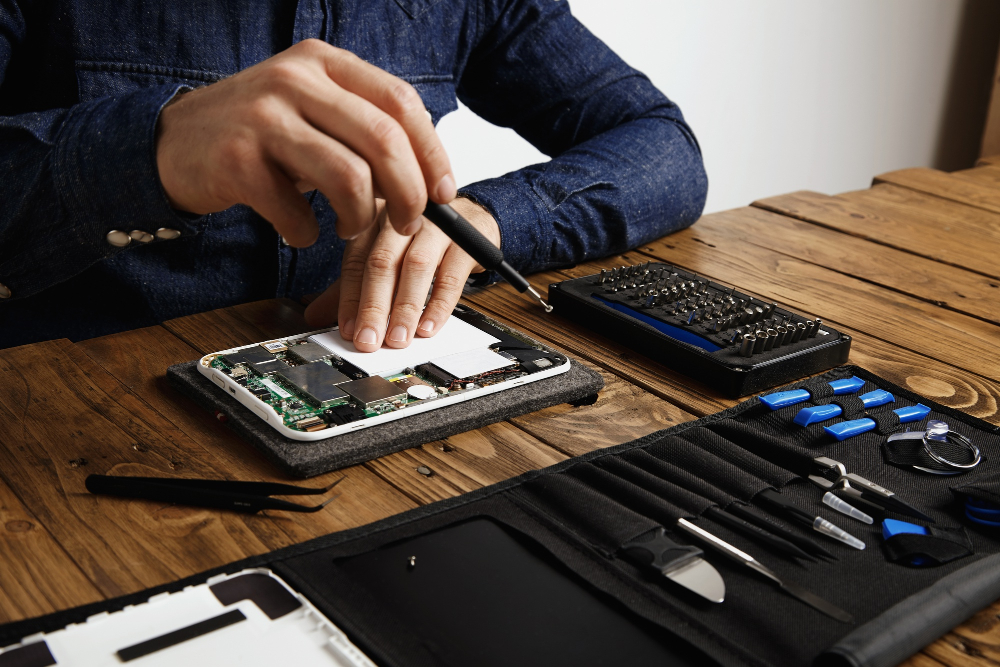
DIY fixes or unofficial repairs may seem cheaper, but they often lead to more problems later including warranty voiding or data loss.
Certified technicians:
- Perform complete diagnostics
- Identify hidden damage
- Provide transparent cost breakdowns
- Use genuine replacement parts
When you visit a trusted service provider like Accurate Technologies, you receive an expert evaluation before making any decision. Their Apple-trained professionals ensure your device is repaired correctly — or advise honestly when replacement is the better option.
A Simple 5-Step Decision Checklist
Before deciding, ask yourself:
- Is the issue isolated or widespread?
- Does the device still meet my daily needs?
- Is the repair under 50% of the replacement cost?
- Is the device still receiving software updates?
- Did a professional confirm the repair viability?
If most answers support repair, fixing your device is likely the smarter move.
Final Thoughts
There’s no universal answer to repair vs replace. The right choice depends on cost, condition, and long-term value.
In many cases, professional repair extends device life significantly and saves money. In others, upgrading ensures better performance and future compatibility.
The key is making an informed decision, not an emotional one. With expert guidance from trusted service providers like Accurate Technologies, you can confidently choose the option that protects both your investment and your productivity.
FAQs
How do I know if my Apple device is worth repairing?
Get a professional diagnostic and compare the repair cost with the replacement price. If repair is under 50% of the replacement cost and your device meets your needs, repair is often worth it.
Will repairing extend my device’s lifespan?
Yes. Replacing key components like batteries and screens can significantly extend usability.
Is it safe to use third-party repair services?
Unauthorized repairs can risk warranty issues and lower-quality parts. Always choose certified professionals.
Does replacing a battery improve performance?
Absolutely. A new battery restores proper power management and can eliminate unexpected shutdowns.
What if my device has water damage?
Water damage varies in severity. A professional inspection is necessary to determine if repair is viable or replacement is smarter.